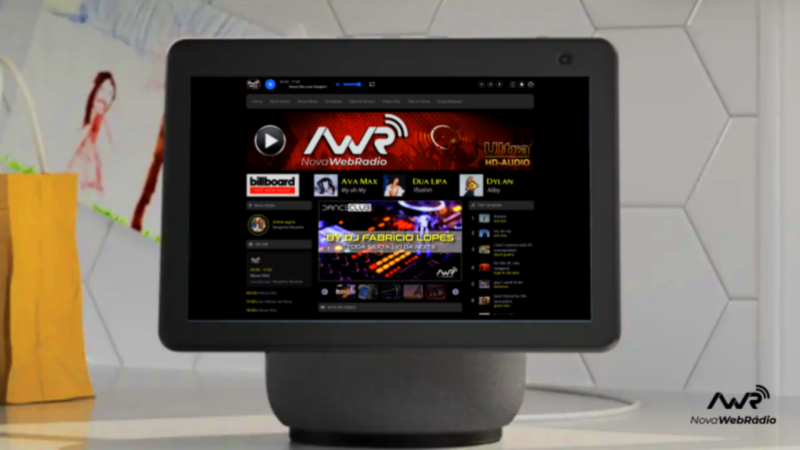
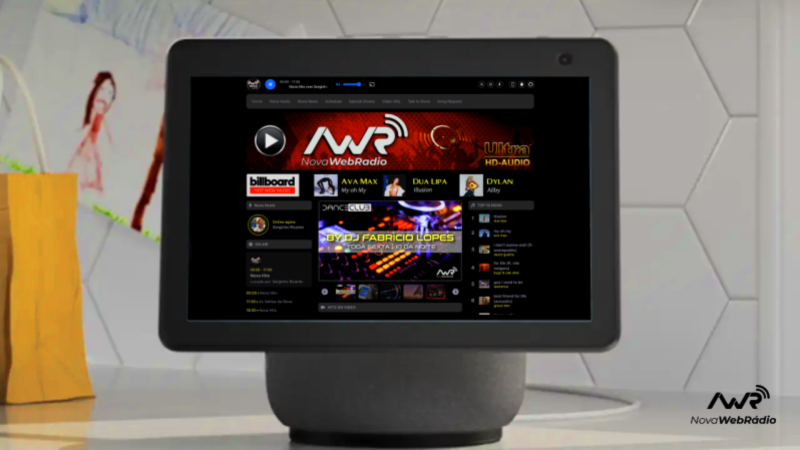
The Nova Webradio can accompany you along with your Alexa. The skill that enables you to call and listen to Nova's programming wherever you are, using Google's artificial intelligence capabilities, is now available on all Echo devices, including video devices. To program it, just follow the instructions below and visit the following link:
ALEXA NOVA WEBRADIO SKILL: CLICK HERE
To call the Alexa Skill by voice command, you need to activate it in your Amazon account the first time you use it. To activate the Skill for the first time, access the "Amazon Alexa" app on your phone and click on "More". Now, click on "Skills & Games" and type "Nova Webradio" in the search field. Finally, just click on "Activate" or "Start".
Activation during first use can be done through the Amazon store, or through one of the links below:
To activate the Skill on your Amazon account via a computer, access this link:
https://alexa-skills.amazon.com.br/apis/custom/skills/amzn1.ask.skill.9834ba2c-3964-47b6-a3d8-fa94bbebb146/launch
To activate the Skill on your Amazon account via a Smartphone, access this link:
https://skills-store.amazon.com.br/deeplink/dp/B0CNPLVLN9?deviceType=app&share&refSuffix=ss_email
That's it! After these steps, you can start listening to the radio through Alexa, using voice commands.
These are the invocation commands:
“Alexa, start Nova Webradio”
“Alexa, play Nova Webradio”